
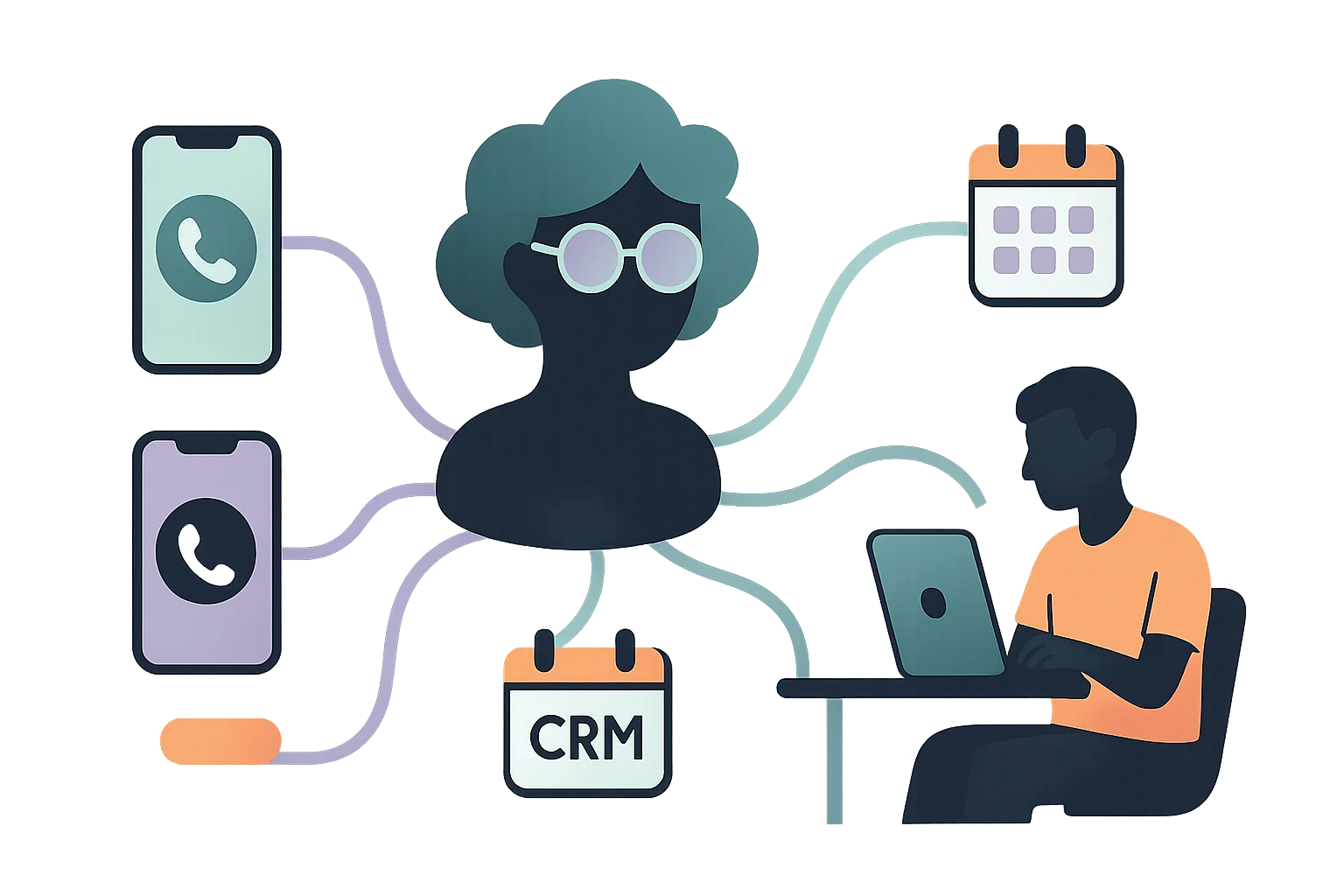
How to Automate Call Answering in Your Business in 5 Steps
Automate call handling in 5 clear steps – no call center, no wait times, with better service.
Customers expect fast reachability. For many small businesses, that’s a daily challenge: Who answers the call? Who’s responsible? And what if no one has time right now?
The solution: automate call answering – without a call center, without wait times, without extra effort.
Why it’s worth automating call answering
- You don’t lose calls anymore – even during peak times or absences
- Your team is relieved and can focus on real work
- Customers are served faster and routed professionally
- You reduce costs without compromising service quality
Thoughtful automation brings structure, control, and new freedom – with full flexibility.
Step 1: Analyze your needs
Before introducing a solution, understand exactly where the problems are:
- When do most calls come in?
- How many remain unanswered?
- Which inquiries repeat frequently?
- Who is currently responsible for calls?
These questions help you assess actual needs and select the right solution.
Step 2: Choose the right solution
Not every phone system is built for small businesses. When choosing, look for:
- Easy setup without IT overhead
- GDPR-compliant data processing
- Call answering with routing, callback option, and call notes
- Intelligent control by time, availability, or topic
- Integration into existing workflows (e.g., email, CRM)
HiDesk is built specifically for small teams – no complex setup, but all the features you need.
Step 3: Configure numbers and forwarding
Next, connect your existing numbers to the system. You decide:
- Who should be reachable when?
- Which requests should be prioritized?
- Which numbers are forwarded to HiDesk?
Within minutes, you can run initial tests and put your digital front desk live.
Step 4: Customize greetings and call flow
Your phone assistant should fit your business. Therefore, you can:
- Customize greetings and announcements
- Define opening hours, forwarding, and callbacks
- Control language, tone, and priorities
Customers immediately sense they’re in good hands – even when an AI handles the conversation.
Step 5: Test, optimize, go live
Before going live, test the process internally:
- How do the greetings sound?
- Are requests correctly recognized and routed?
- Do callbacks work reliably?
After a short test run, your digital front desk goes live – and you benefit from day one.
Conclusion: Automating call answering saves time and nerves
Small businesses benefit enormously from an automated phone solution:
- You’re always reachable
- Your team stays focused
- You build trust with fast responses
- You reduce overhead without compromising service
Try it yourself
Interactive Live Demo
Experience our AI live on the phone
By calling you agree to our Privacy Policy.


Our team is here for you
Book Free Demo
Talk to our experts